
Hospitality operating system
Union. Great service starts here.
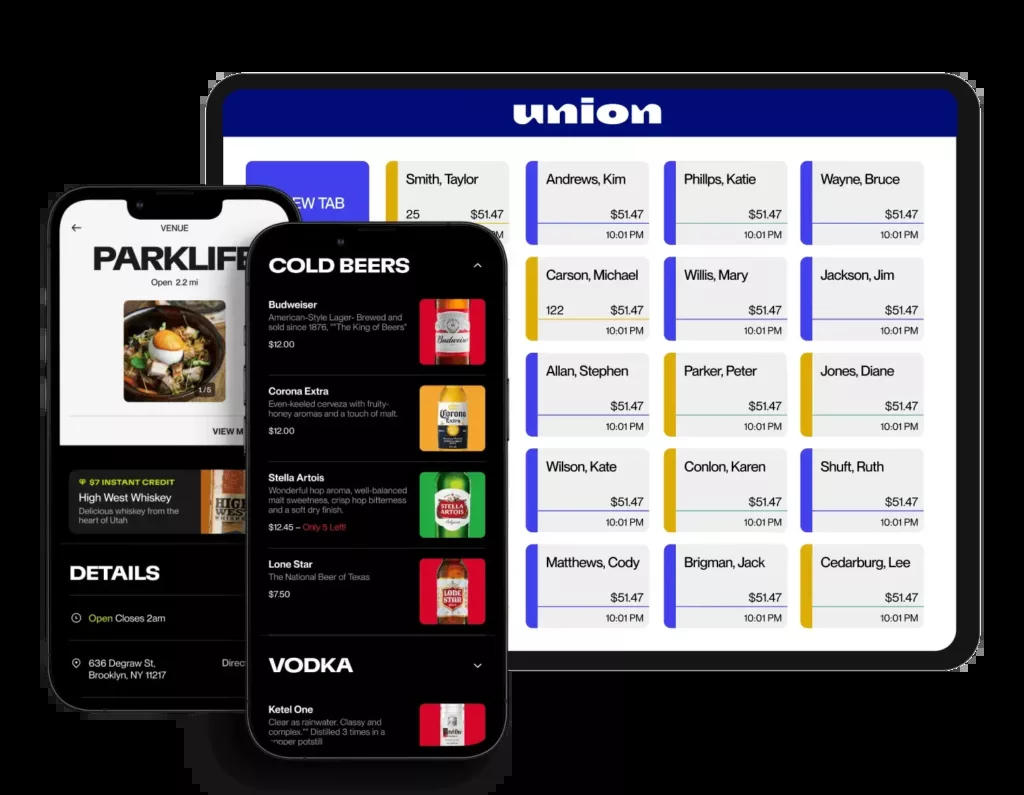
The hospitality operating system we install for high-volume bars, nightlife, and venues. Guest-led ordering, Union Pocket on iPhone, 1,000+ tabs with no lag, and a one-button shift close.
Why Union
Built exclusively for high-volume hospitality.
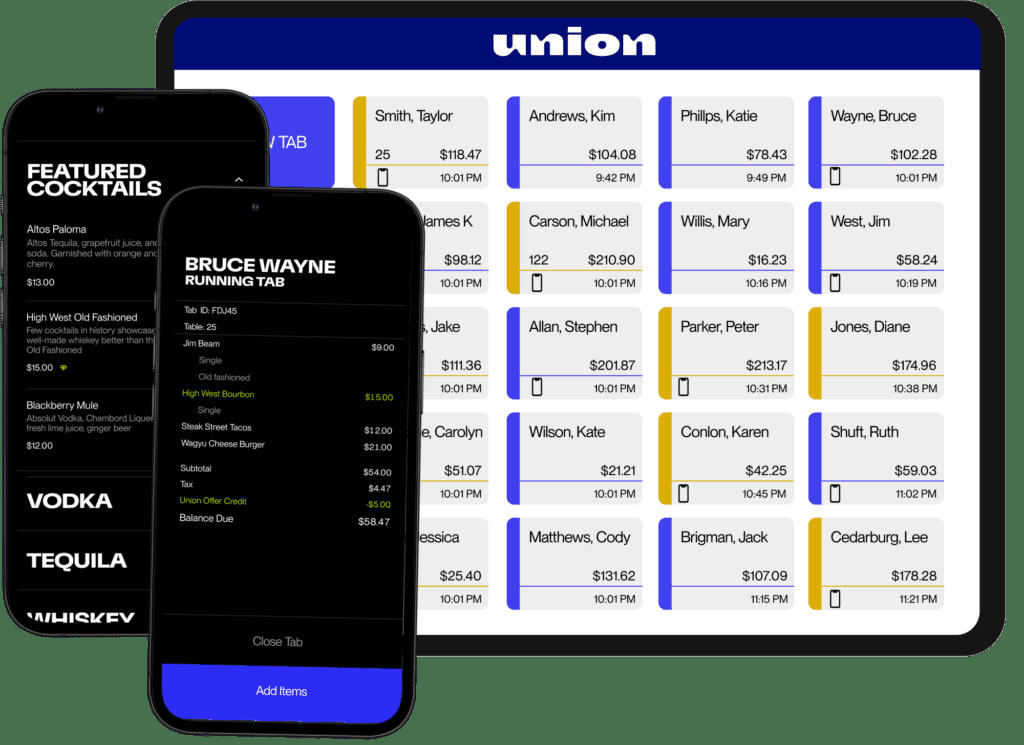
Guests tap an NFC puck, browse, order, and pay from their own phone. Staff run Union Pocket on iPhone. Tabs stay on the POS. The bar or kitchen display system gets the ticket instantly. One button closes the shift.
Compare all POS systems- Guest-led ordering with NFC pucks — guests tap, browse, order, and pay on their phone, no app download. Pucks can be custom-printed with the venue's logo.
- Union Pocket — staff run the POS from an iPhone on the floor, with Tap to Pay and Scan to Pay. No extra card reader.
- 1,000+ tabs with no lag, plus a one-button push to close the shift
- Offline mode that continues to capture payments
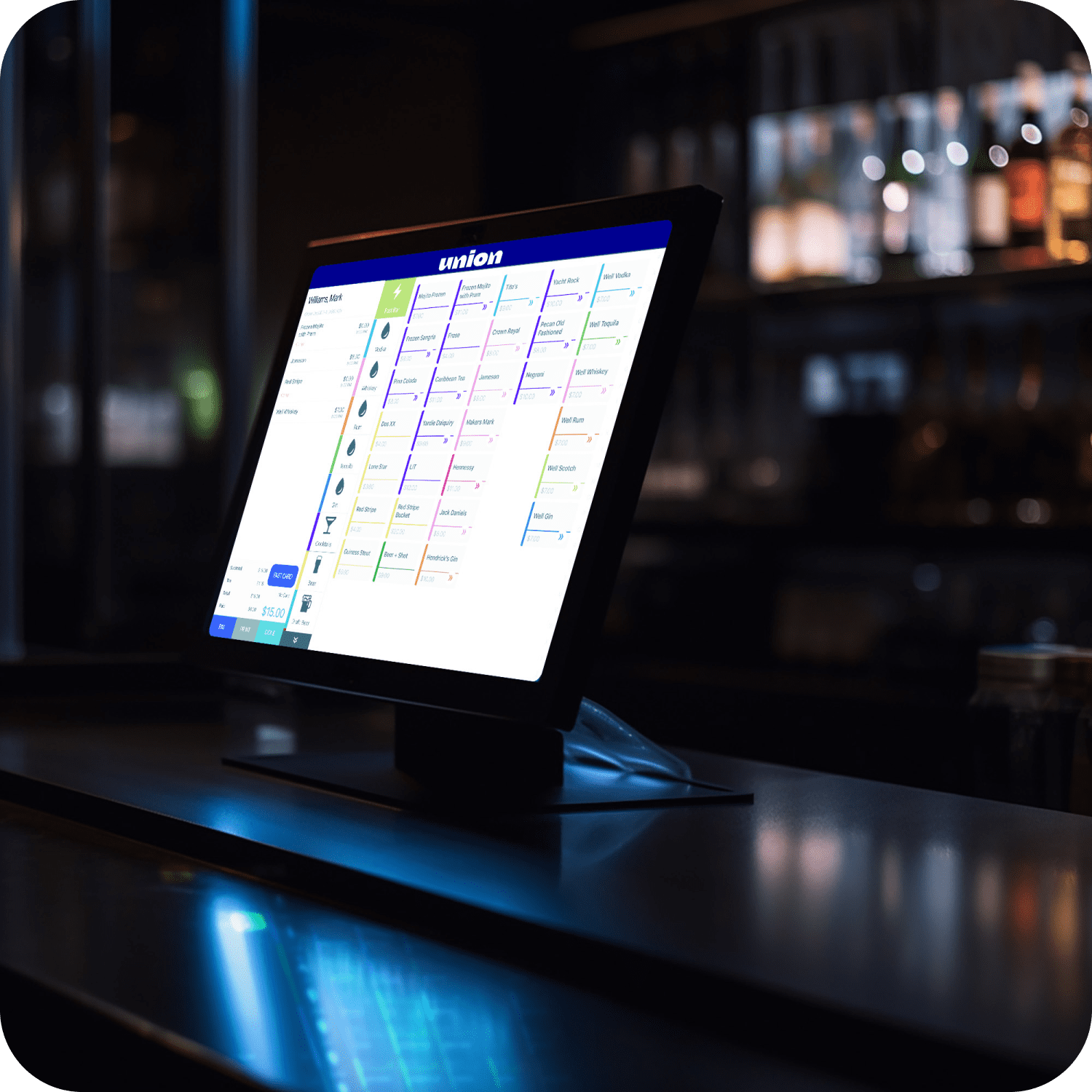
- Kitchen display system for the bar and the pass — tickets stay live, not on a wet chit
- KitchenHub — DoorDash, Uber Eats, and first-party orders fire into the POS, so the tablet farm comes off the counter
- Status loyalty — phone number in, points and VIPs inside Union, no extra app
- Live 86 counts on items and modifiers, with inventory aligned to the floor
Guest-led ordering
NFC pucks for guests. iPhone tableside for staff.
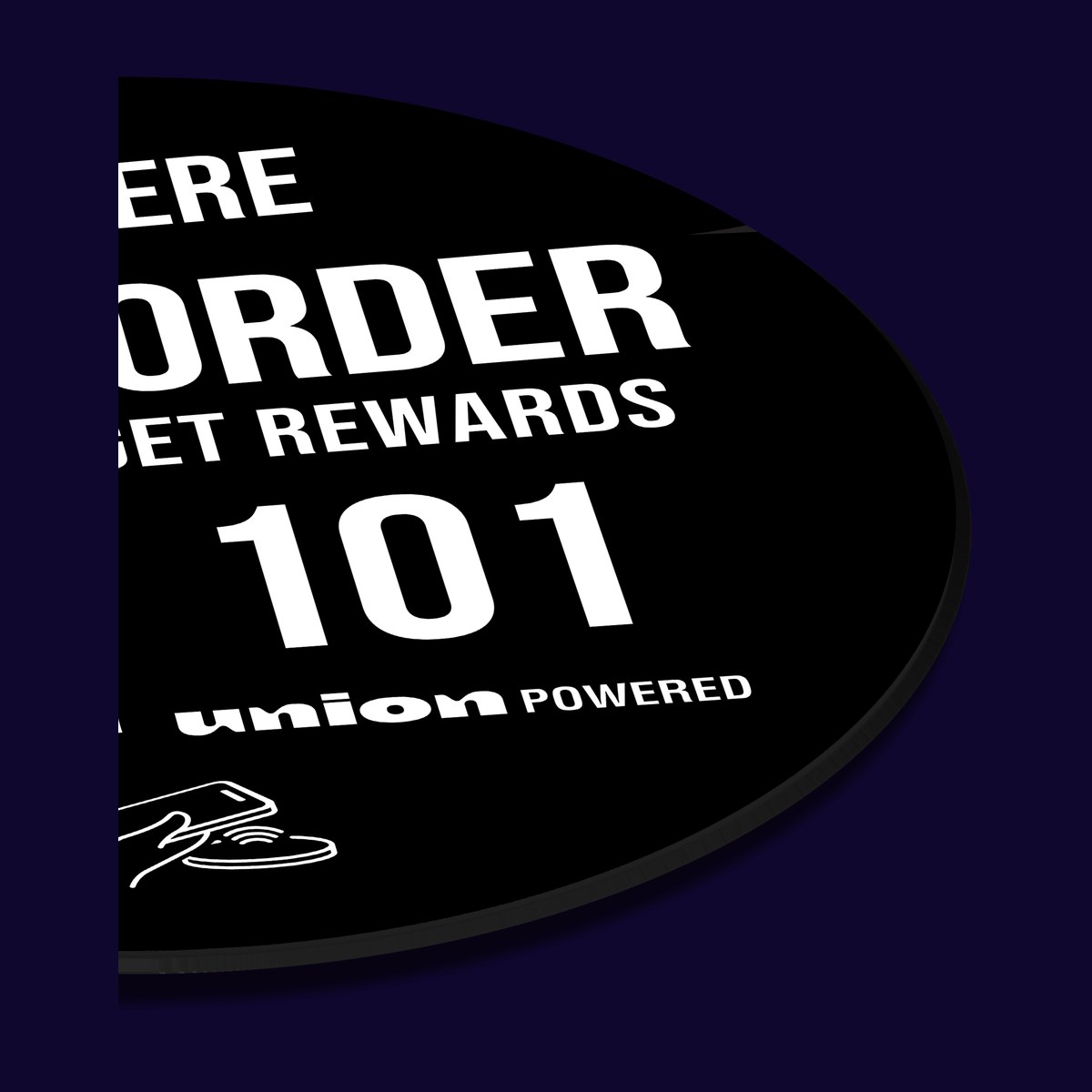
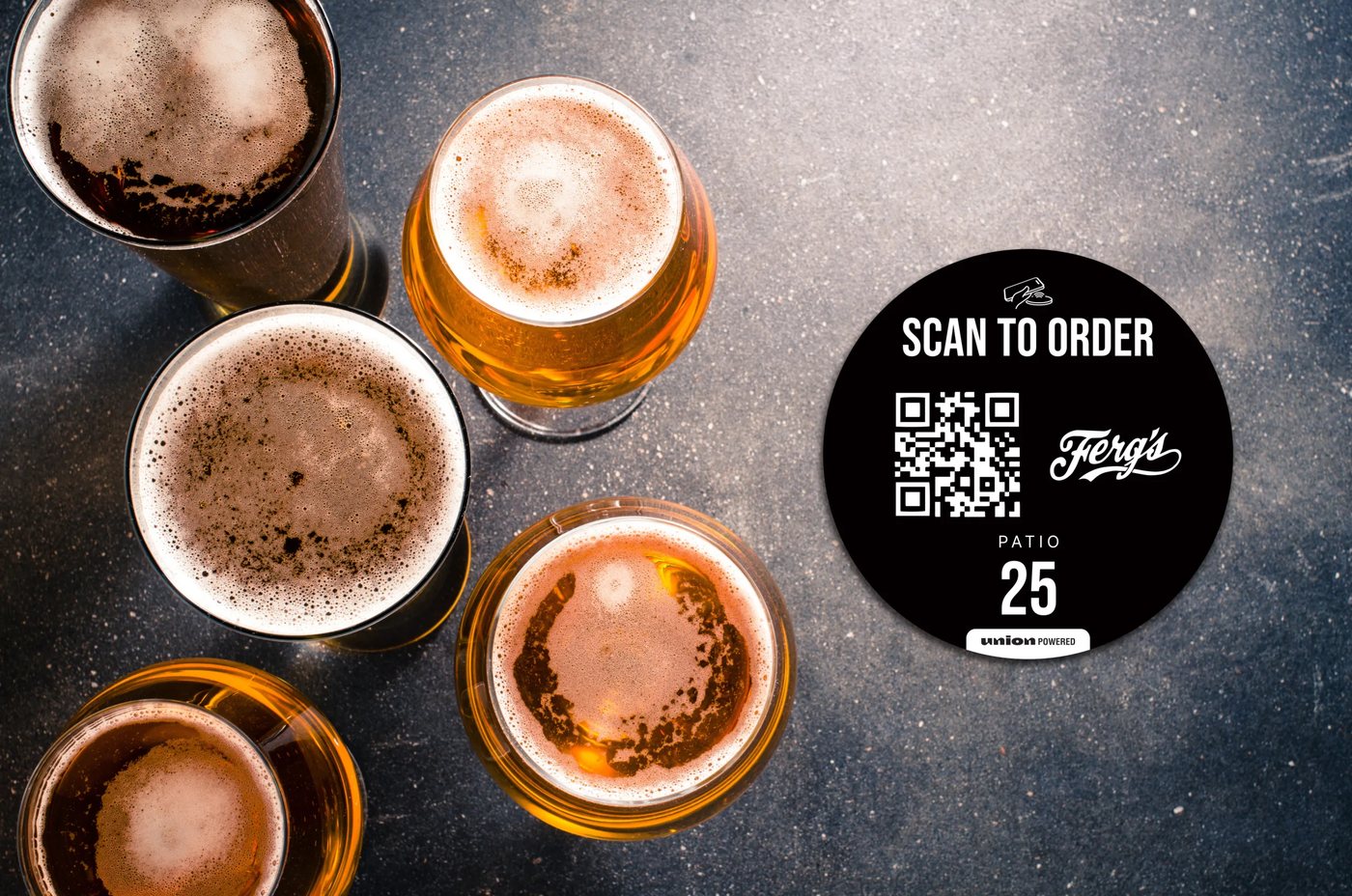
Guests tap an NFC puck or scan a QR, browse, order, and pay on their own phone — no app to download. Apple Pay and Google Pay work. Payment is captured up front, so walkouts stop being a close-out problem. Pucks can be printed with the venue logo.
Table delivery
Guests tap at the table, order, and pay. The ticket is tied to that table so drinks come to them.
Digital tab
Guests open a tab and browse the menu on their phone. Ordering still happens with the bartender. They pay in the app when they are ready.
Text to pick-up
Order from anywhere in the room. SMS when the drink is up — no one standing at the rail waiting.
Waitlist
Tap to join the wait, open a tab, and order while they wait. The floor moves without a clipboard.
Union Pocket
The handheld is an iPhone.
Union Pocket is the tableside POS — add items, voids, comps, and transfers from a phone that actually fits in a pocket. Tap to Pay on iPhone takes the card or wallet. Scan to Pay lets the guest close on their own phone. iPhone 12 and later. No extra reader on the belt.
- Tap to Pay on iPhone — contactless cards, Apple Pay, and other wallets, no extra hardware
- Scan to Pay — guest scans a QR on the iPhone to close the tab
- Add, edit, void, and transfer on the floor while the guest tab stays in sync
- Works on iPhone 12 and later — we can help you buy them, or use phones you already have
Status loyalty
Phone number in. Rewards run themselves.
Status is built into Union. A guest enters a phone number at the puck, at the POS, on Pay at Table, or from a receipt QR. No app. No plastic card. Points apply on the next visit without a pitch from the bartender.
- One phone number to enroll — puck, POS, Pay at Table, or receipt QR
- One point per dollar on net sales, with a first-visit bonus so the first reward hits fast
- VIP multipliers (2x–10x) for regulars the house wants to keep
- POS shows who is enrolled, who is VIP, and who has a reward ready
- Included in the Union subscription — no extra loyalty stack to manage
KitchenHub
Third-party orders in the POS — not on a tablet farm.
KitchenHub brings DoorDash, Uber Eats, and other delivery tickets into Union. One menu. Orders land on the POS and kitchen display system like any other tab. Pause delivery or extend prep from Union when the kitchen is in the weeds.
- Marketplace tickets fire into the POS and kitchen display system — no double entry
- Edit the menu once in Union and publish it to the delivery platforms
- Pause delivery or extend prep times from Union when the line is slammed
- Takes the tablet farm off the counter
Kitchen display system
Tickets stay live on the rail.
Union’s kitchen display system puts bar and kitchen tickets on a screen — priority, 86s, and changes in real time. Guest-led orders and staff tickets hit the same board. No wet chits, no dead drinks in the window.
Integrations
The rest of the stack stays connected.
Union first-party tools, plus the partners high-volume rooms actually run. Reservations, labor, tips, inventory, and delivery stay on the same ticket stream.
Guest-led & first-party
The guest phone is the ordering screen.
Tap-to-order, iPhone tableside, and loyalty that runs inside Union. No extra guest app.
NFC pucks · Union Pocket · Status
Marketplace ordering
Take the tablet farm off the counter.
Third-party and first-party tickets fire into the POS and kitchen display system.
KitchenHub · DoorDash · Uber Eats
Reservations
Host stand and POS on the same floor.
Real-time table status between OpenTable and Union — turns and guest notes without a second brain.
OpenTable
Labor
Sales into the schedule.
Union sales feed 7shifts so the schedule follows the actual rush, not a guess.
7shifts
Tips
Tip-out without the spreadsheet.
Tip pools calculate from Union, then pay out to staff accounts. No cash on the back bar.
Kickfin
Inventory
Pour cost you can see.
Union sales into MarginEdge the next morning — invoices and food cost in one place.
MarginEdge
Install
Configured for your rail, not a demo bar.
01
Consult
Service style, ticket average, handheld vs. terminal. Walk-through on site, or upload a processing statement on the form.
02
Recommend
The platform that fits the floor — not a kit we happen to have in the van. If you qualify for free hardware placement, that option is on the table. If a system is the wrong fit, we will say so.
03
Configure
We handle the heavy lifting so you don't have to — menus, modifiers, courses, tax, tips, and hardware mapped to your stations, printers, and kiosks.
04
Install & train
On-site installation and staff training scheduled around service — not a shipment left at the door.
05
Support
A local contact after go-live: menu changes, extra handhelds, a second location, and day-to-day questions.
Union questions
Next step
See which system fits the floor.
We respond within one business day. Upload a statement if you have one — we will map the right platform, pricing, and whether you qualify for free hardware placement.